Setup steps
Register an application via https://developers.facebook.com/apps/
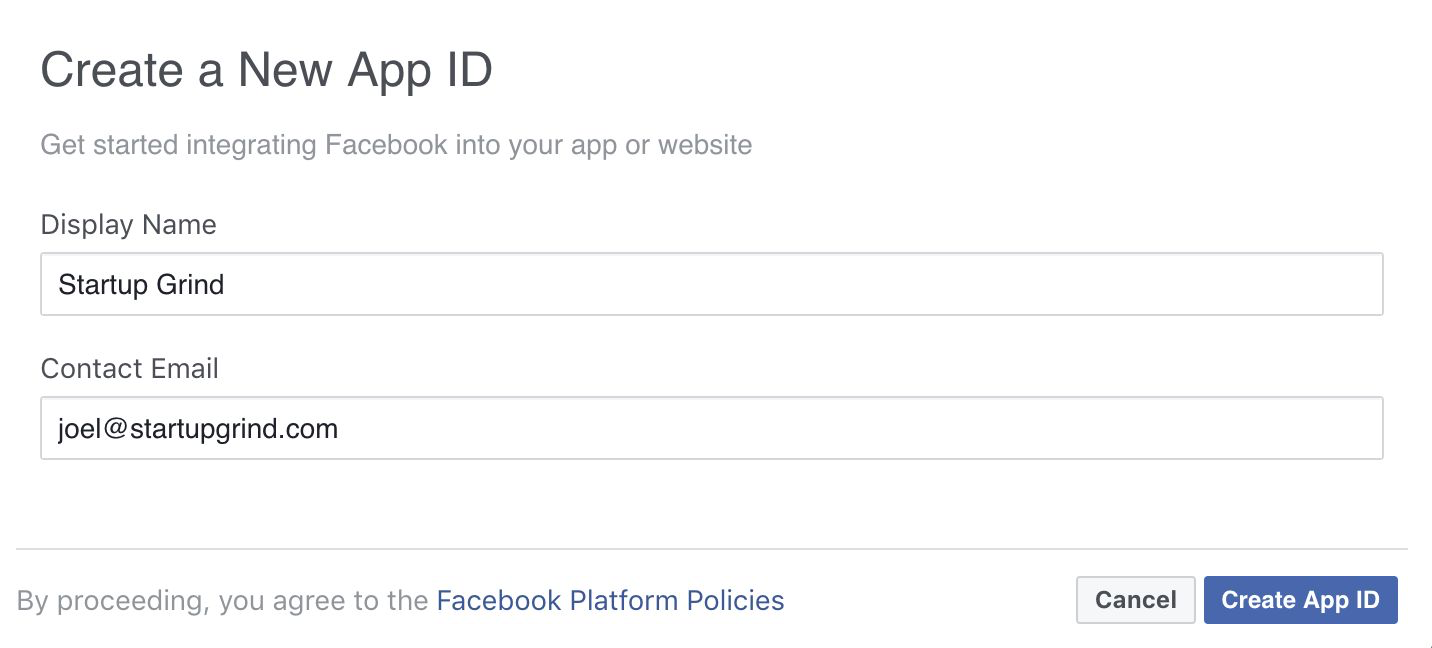
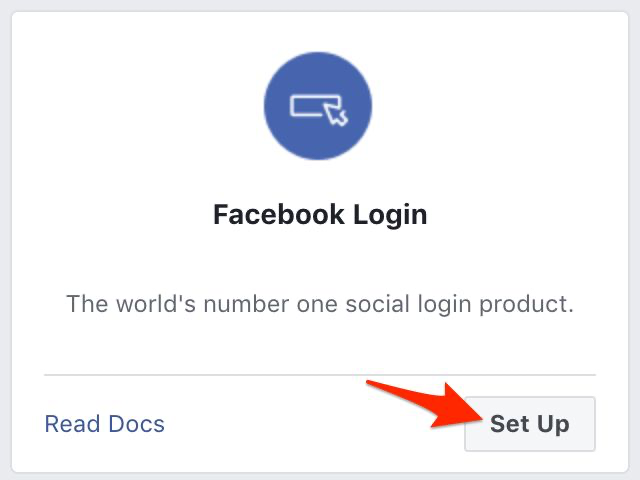
Add the “Facebook Login” product to the application. Follow the steps to set up the application and login.
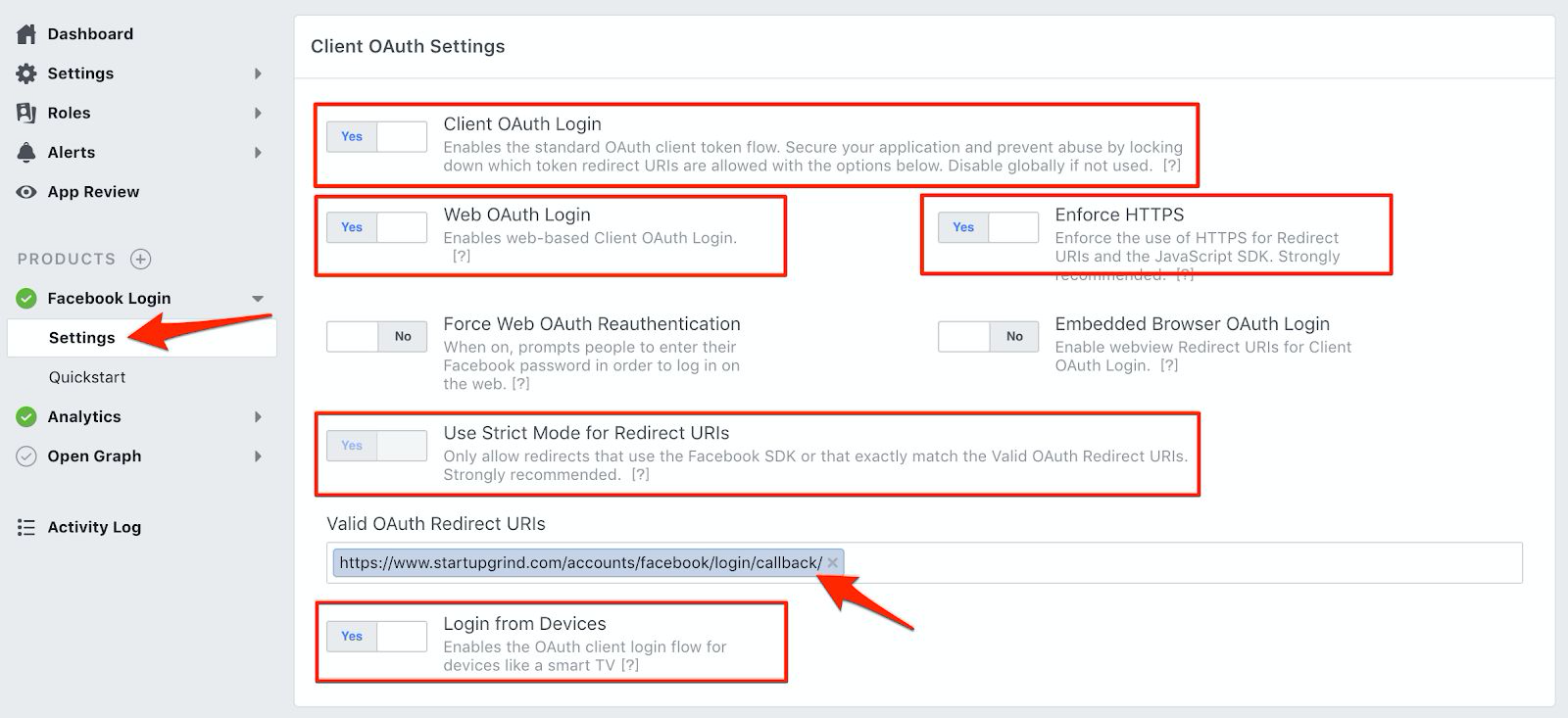
Once the app is created, you’ll have to go to “Facebook Login ⇾ Settings” and verify that the following are enabled:
- Client OAuth Login
- Web OAuth Login
- Use Strict Mode for Redirect URIs
- Enforce HTTPS
- Login from Devices
Still in “Facebook Login ⇾ Settings”, add the following URI to the Valid OAuth Redirect URIs: https://<your-domain>/accounts/facebook/login/callback/, where <your-domain> is the Bevy’s instance domain name.
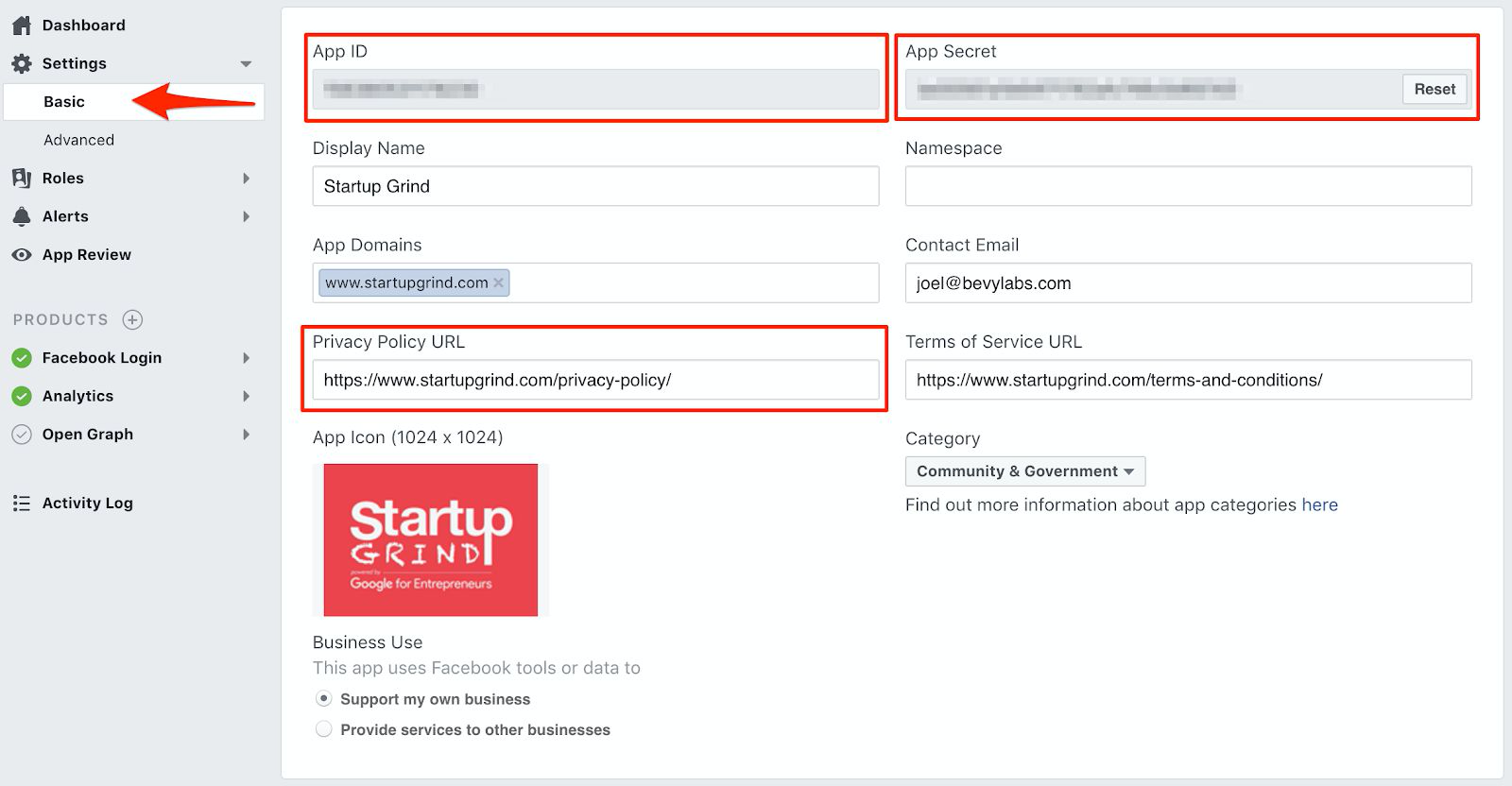
Go to the application settings, ensure you specify the link to your “Privacy Policy” page and take a note of your App ID and App Secret.
Set the status of the application as “LIVE”

Information required by Bevy
Please send both App ID and App Secret information using a secure channel (text message, keybase.io, etc.)